How to Change Your Subscription FrequencyUpdated 10 days ago
If you'd like your orders to arrive more or less often, you can update your subscription frequency at any time.
This is different from rescheduling a single order. Changing your frequency updates how often your subscription repeats going forward.
Log in to your account here.
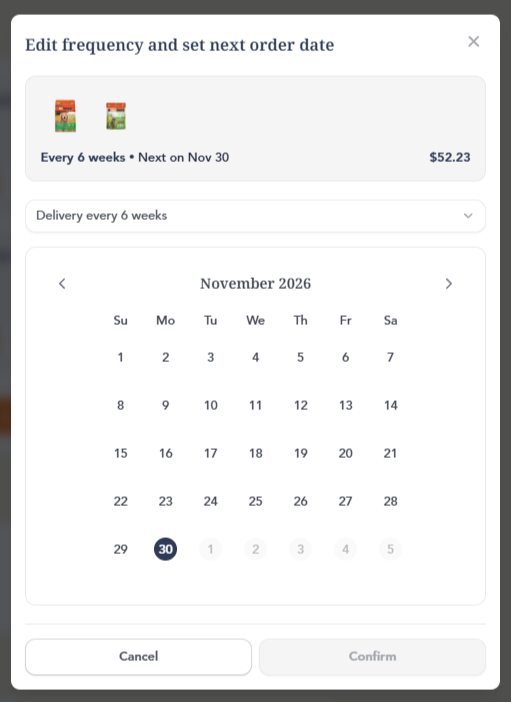
Find your current delivery frequency and select the pencil icon beside it (e.g., Every 6 Weeks).
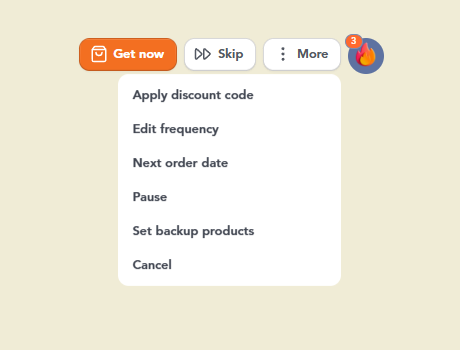
You can also select “More”, then choose “Edit Frequency” from the dropdown menu.
Choose your preferred delivery interval from the available options and confirm.
Your new frequency will apply to your upcoming and future subscription orders.
Note: Your next order date may shift slightly to line up with your new frequency. Check “Upcoming Orders” after saving to confirm your next order date.