How to Change Your Next Order DateUpdated 10 days ago
Need your order to arrive a little earlier or later than planned? You can easily adjust your next delivery date from your account.
Log in to your account here.
Find your upcoming order and select the underlined scheduled date.
Select “Next order on XX Date”.
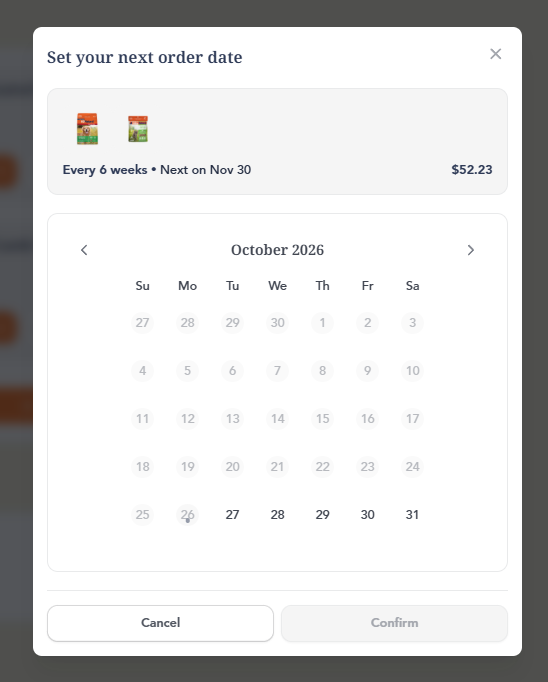
Choose your new date from the calendar and confirm your selection. Your next order will be processed based on the updated date.
You can also update your next order date by selecting “More”, then choosing the option to change your next delivery date.
Note: Rescheduling only shifts your next order date. Your regular delivery frequency (e.g. every 30 days) picks back up from your new date.